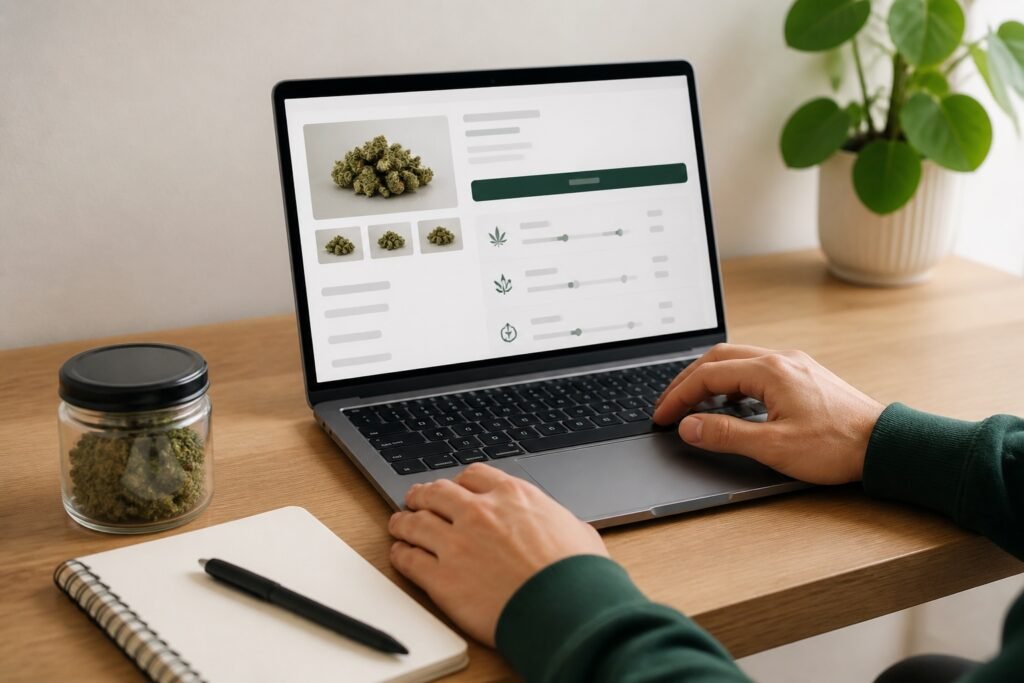
A cannabis product page is a compact data sheet. It may contain a product name, format, package size, price, stock, cannabinoid values, ingredients, strain labels, aroma notes and photographs. The challenge is not finding one impressive number. It is reading the information in the right order.
The most reliable approach is to move from the concrete to the descriptive: identify the product, choose the exact option, read the measurements and only then consider names, grades and suggested impressions.
First, identify the product format
Different formats use different measurements. Flower is sold by weight. Pre-rolls use count and weight. Edibles use pieces and package totals. Tinctures use bottle volume and concentration. Vape products use capacity and hardware details. Concentrates use package weight and format names such as shatter, rosin or resin.
This first step prevents a common mistake: treating unlike numbers as though they belong on one scale. A flower percentage cannot be compared directly with an edible’s milligram total or a tincture’s milligrams per millilitre.
Choose the exact size or option
A product page can show a starting price before you select the size you want. Flower may have several weight rows. An edible may have flavour options. A cartridge may come in more than one capacity. Select the option first, then check the price and stock attached to it.
When you add the product to the cart, confirm the same option appears on the cart line. Increasing the cart quantity means buying more than one of that selected package.
Keep every number attached to its unit
- g: product weight in grams.
- mL: liquid volume in millilitres.
- mg: milligrams of a named cannabinoid in a unit or package.
- mg/g: cannabinoid concentration by product weight.
- mg/mL: cannabinoid concentration by liquid volume.
- %: a percentage commonly shown for flower and some concentrates.
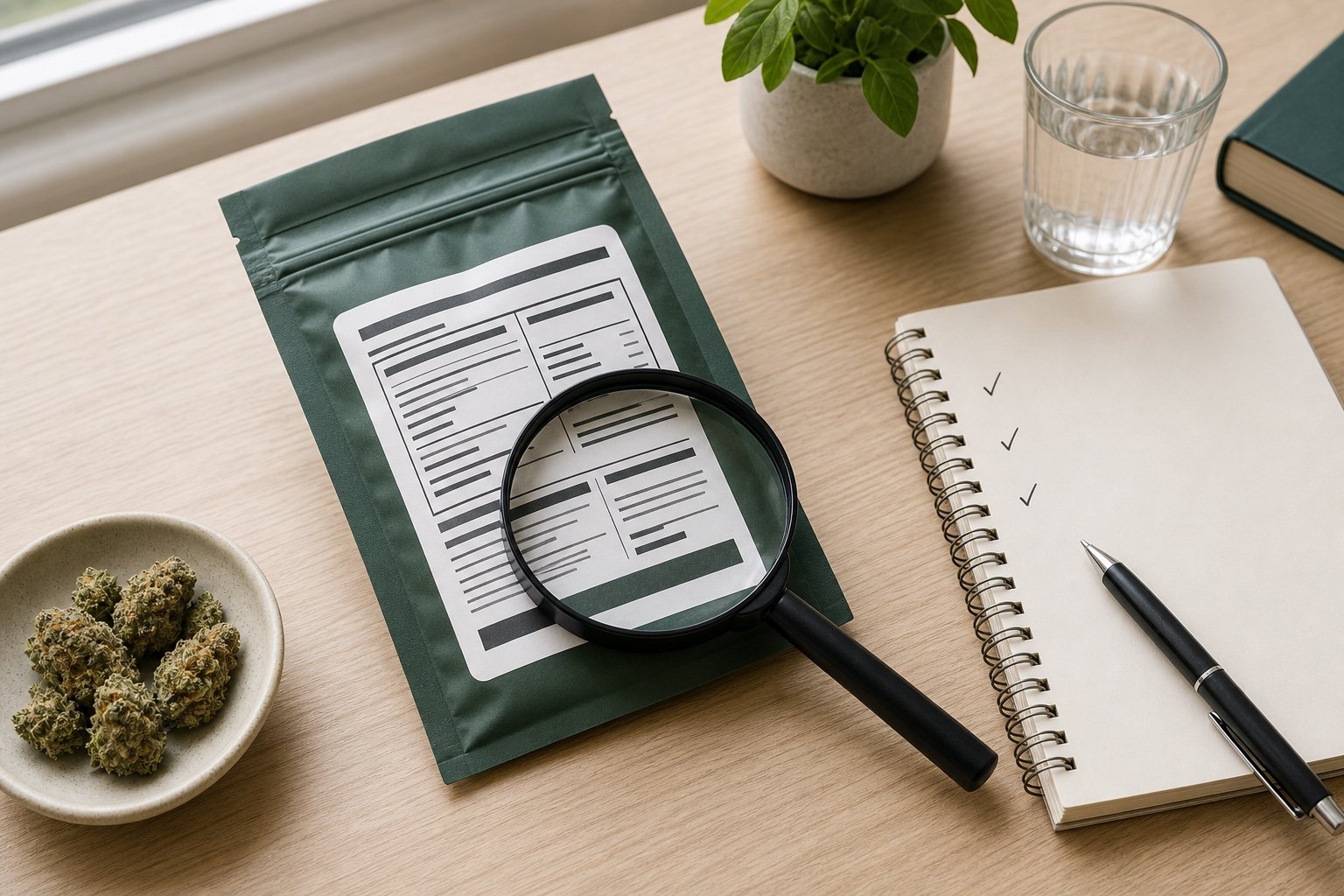
Health Canada’s current product label guide shows how total THC and total CBD can be expressed by weight, by unit, by activation or as a package total. Read the words surrounding the number. “10 mg per package” and “10 mg per piece” do not mean the same thing.
Separate measurements from marketing language
THC, CBD, weight, count and volume are measurements. Indica, sativa, hybrid, strain names, flower grades and aroma terms are descriptive labels. They can be useful, but they answer different questions.
A higher THC number does not prove better quality or freshness. An indica label does not guarantee one effect. A Reserve grade is an Eon house tier, not a national standard. Citrus or pine notes describe aroma rather than potency. Keeping these categories separate makes the page more honest and easier to understand.
Read ingredients and hardware when they apply
For edibles, tinctures and many extracts, check the ingredients and allergen information on the delivered package. For vape cartridges, confirm whether a compatible 510-thread battery is required. For complete devices, check charging and included items. Never assume hardware is included because it appears near the product in a photograph.
Use photographs as evidence with limits
A useful photo shows the actual product type and general presentation. It may help you see flower structure, packaging, device shape or concentrate texture. It cannot confirm the condition of the exact unit that will arrive. Screen colour, lighting and natural variation all matter.
If the photo and written description seem inconsistent, use the exact product name and option to ask support before ordering. Do not infer a missing detail from a similar image.
The 90-second reading method
- Name the format.
- Select the size, flavour, count or capacity.
- Confirm the price and stock for that option.
- Read THC and CBD with their full units and package basis.
- Check ingredients, hardware or storage details that apply.
- Use strain, grade and aroma labels as supporting context.
- Confirm the same item, option and quantity in the cart.
Seven questions a useful page should answer
Before checkout, see whether the page answers these basic questions: What is the product? Which option is selected? How much is included? What does that option cost? Which THC and CBD units are being used? Is it in stock? Does it require an ingredient, accessory or storage check?
A page can still be useful when a secondary detail is absent. The key is to recognize the gap. If a flower listing has no lineage, leave lineage out of the comparison. If a tincture does not show whether a dropper is included, ask before assuming. If an edible page lacks an allergen detail you need, the photograph cannot supply it. Good reading includes knowing when the available evidence is not enough.
After delivery, the package becomes the reference
Match the product and quantity to the order. Inspect the seal, container and hardware for visible damage. Keep the physical label because it carries product-specific details such as the lot, packaging date, storage directions and producer contact information.
What to remember
Read a cannabis page from facts outward. Format first, option second, measurements third and descriptive language last. That order protects you from comparing unlike units or letting one attractive label make the entire decision.
Continue with Cannabinoids Explained, Types of Cannabis Products or the Cannabis Glossary. When you are ready, apply the method to the products in the shop.