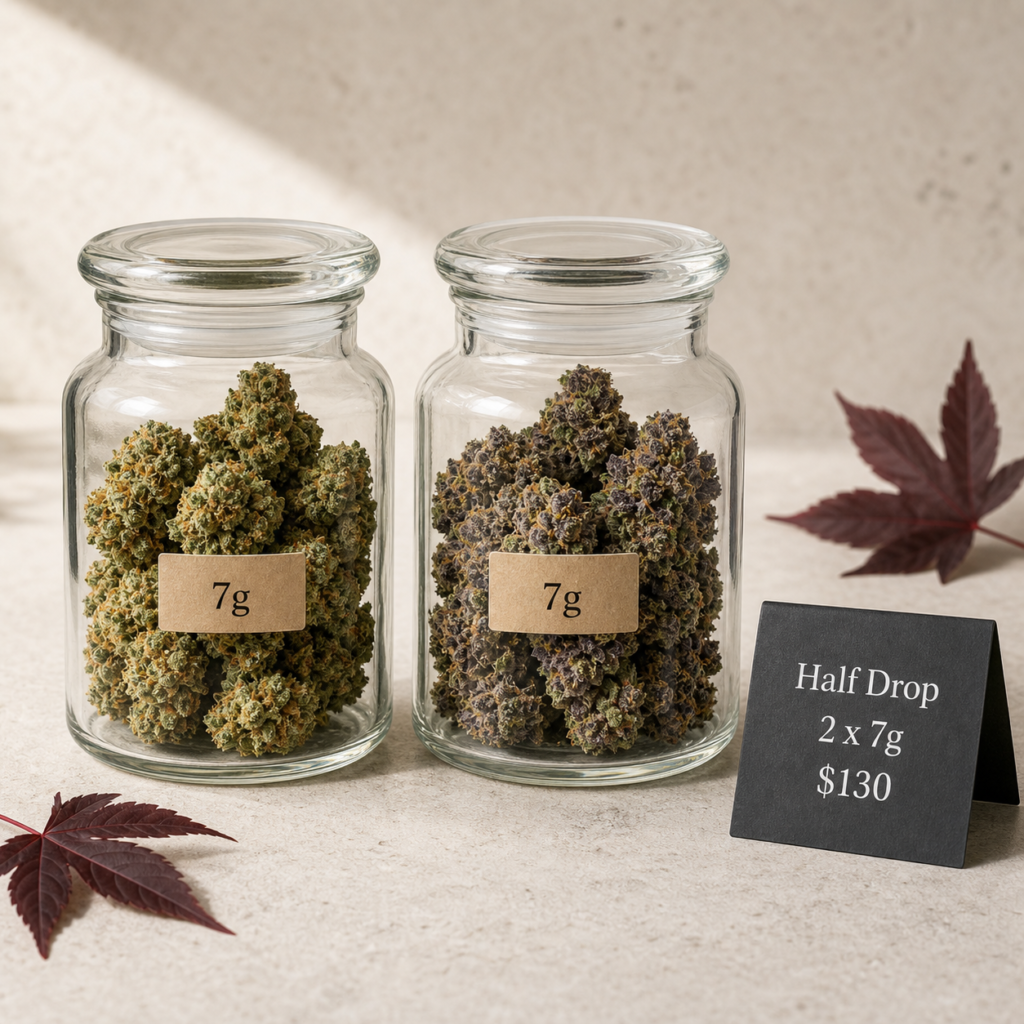

The Eon Cannabis FAQ gives direct answers about shopping, checkout, Interac payment, Canada Post delivery, rewards and gift cards.
Eon Cannabis FAQ: orders and checkout
Do I need an account to order?
No. You can browse prices and place an order as a guest. An account adds order history, saved delivery details, rewards, referrals, and gift-card tools.
Why is there only one address at checkout?
Eon uses the delivery address for the order, shipping record and customer details. This keeps checkout shorter and avoids conflicting billing and shipping information.
Why do you ask for my phone number?
A phone number is required so staff or the delivery carrier can reach you about an order or delivery issue. Payment instructions are still provided on the order page and by email.
What happens after I place an order?
The order is held while you send the Interac e-Transfer. Staff verifies the deposit before the order moves into packing and delivery.
Can I change an order after placing it?
Contact support with the order number as soon as possible. Changes depend on whether payment has been confirmed and packing has started.
Where do I enter a coupon, gift card or reward points?
Open the matching collapsed section near the top of checkout. The order total updates after a valid coupon, gift card or number of points is applied.
Products and flower grades
What do AA, AAA, AAAA and AAAAA mean?
They are operator-assigned flower grades used to organize the menu: AA Value, AAA Premium, AAAA Quad and AAAAA Reserve. Use grade as one comparison point alongside product details, price and availability.
How do flower weights and prices work?
Choose an available weight on the product page and the price updates before you add it to the cart. The cart keeps the selected weight, quantity and price together.
What product details can I compare?
Depending on the format, products can show weight, price, strain type, grade, THC, CBD, flavour, effects, package format, and stock status.
Can I save products without adding them to the cart?
Yes. Use the save control on a product card and open Saved from the header or account area. Recently viewed products are also kept privately on the current device.
What if a product or size is out of stock?
Unavailable choices cannot be added to the cart. Stock cues on product cards and product pages show what can currently be ordered.
Interac e-Transfer
How do I pay by Interac e-Transfer?
Place the order first. The confirmation page and email show the exact amount, payment email, order reference, and security answer when one is required. Staff verifies the transfer before processing the order. The Interac payment guide explains every step.
What payment code should I use?
Use the code shown on the order confirmation page and in the order email. When a security answer is required, it uses the EON prefix followed by your order number.
What should I write in the bank message?
Use the order number shown in your instructions. Do not include product or cannabis names in the bank message.
What does “I sent the transfer” do?
It tells staff that your transfer is ready to verify. It does not mark the order as paid; staff still confirms the deposit in online banking before processing the order.
Why is my order still on hold after I sent payment?
Interac orders remain on hold until a staff member matches the deposit to the order. Use “I sent the transfer” once, then keep the order number available if support needs more information.
Canada Post shipping and tracking
Where do orders ship?
Orders are shipped within Canada using Canada Post. Tracking is provided after the order is prepared for delivery.
When will I receive tracking?
Tracking is sent after payment is confirmed and the packed order is handed into the Canada Post delivery workflow.
Will the package identify what is inside?
The outer package is plain and does not list product names. Keep your order number for any support question about the shipment.
Where can I see my order status?
Open the order link in your confirmation email or sign in to My Account and choose Orders. Tracking appears with the order after the parcel enters the shipping workflow.
How do I get help with payment or tracking?
Use the contact page and include your order number so the team can locate the order quickly.
Accounts, rewards and store credits
How do reward points work?
Signed-in customers can see eligible points in the cart or checkout and open the rewards panel to apply available points. Products marked as excluded do not earn points.
Where can I see my points balance and history?
Sign in to My Account and open Rewards. The account area shows the current balance, earning options and recent points activity.
Where can I check a gift-card balance?
Open My Account, then Gift Cards. Enter the card code and PIN to see the available balance without placing an order.
Can I earn points when buying a gift card?
No. Gift cards and other stored-value products can be marked as points-exempt so purchasing credit does not create additional reward credit.
Can I enter a sweepstakes without an account?
No. Sweepstakes entries are tied to registered customers so entry history and campaign limits can be tracked correctly.
Still need a hand?
Send the team your question. For an existing order, include the order number so staff can find it quickly.