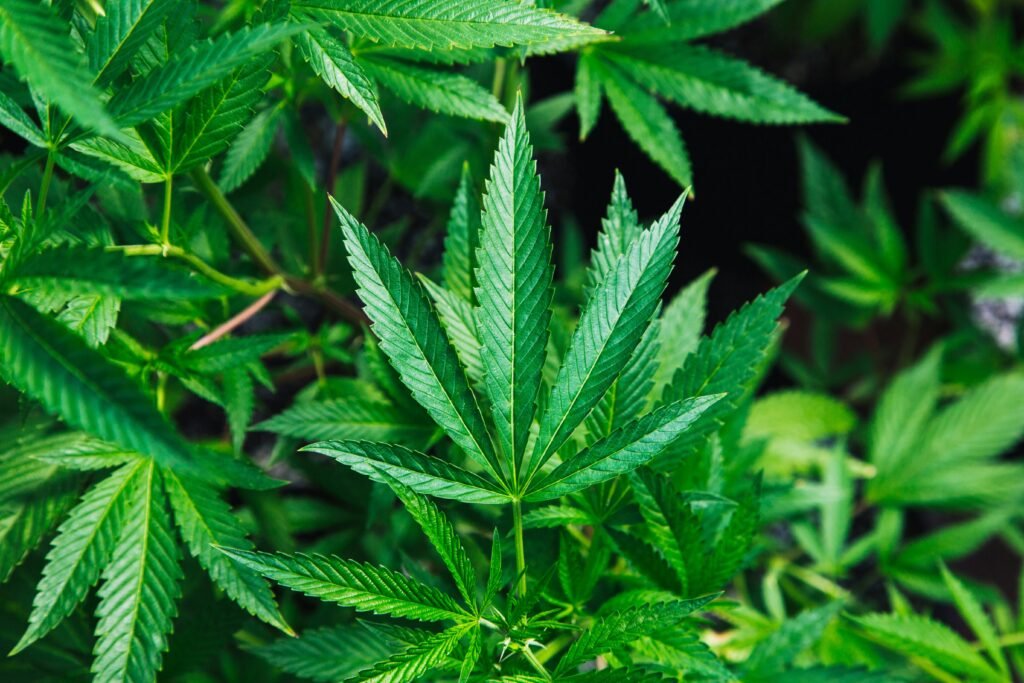
Indica, sativa and hybrid are broad cannabis labels. They can help organize a product list, but they do not reliably predict one effect, strength or experience for every person. Use them as one piece of product information, not as the whole description.
What the labels generally mean
- Indica: a familiar label connected with indica cannabis lines.
- Sativa: a familiar label connected with sativa cannabis lines.
- Hybrid: a product described as having mixed indica and sativa ancestry.
- Indica-dominant or sativa-dominant: a hybrid described as leaning toward one side of that family history.
These labels are based on plant classification, ancestry and common market language. Product naming is not perfectly consistent across producers. Two items called “hybrid” can have different cannabinoid values, aromas, appearance and package details.
Why the label is not a promise
A product’s actual profile involves more than one word. THC and CBD amounts vary. Terpenes and aroma notes vary. Flower from different batches or suppliers can differ even when the strain name is the same. Personal responses also differ, which is why an indica or sativa label cannot guarantee how a product will feel.
Terms such as calming, energetic, sleepy or focused are common impressions used around cannabis products. They are not medical claims or assured outcomes. Treat an effect tag the same way you treat the broad strain label: useful for browsing, limited for prediction.
What to compare instead
- Confirm the product format: flower, pre-roll, vape, concentrate, edible or tincture.
- Read THC and CBD with their full units.
- Check the selected weight, count, volume or capacity.
- Read supplied aroma, flavour, lineage or grow notes.
- Look at current photos, price and stock.
If a strain name or lineage is not supplied, leave it unknown. Do not infer a family tree from a similar name. If a product page uses “indica-dominant,” that is the exact label to compare rather than shortening it to indica.
Strain names can also be reused or spelled differently across producers. Match the full product and brand information instead of assuming that two similar names describe identical flower.
A better way to browse
Start with the format and budget, then use the strain-type filter to narrow the list. Open the remaining products and compare the same factual fields. This keeps the familiar labels useful without asking them to answer questions they cannot answer.
Read Terpenes Explained for aroma terms or Cannabinoids Explained for THC, CBD and related label names. You can also use the Cannabis Strains Glossary for cultivar and lineage terms.