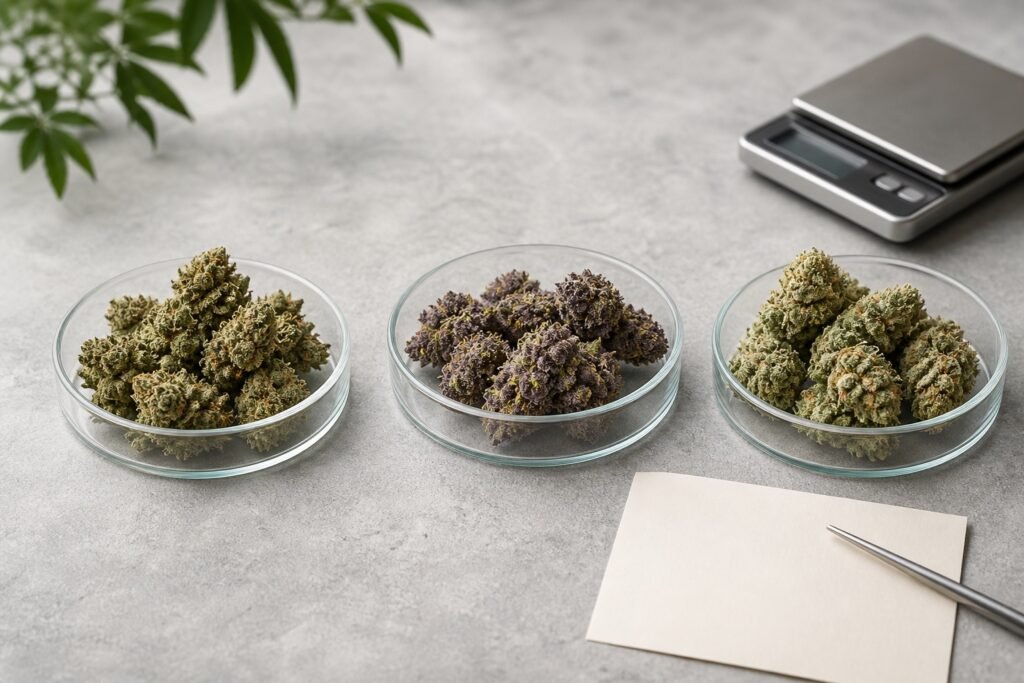
Comparing cannabis flower online is less like judging a photograph and more like comparing a set of measurements. The page gives you clues about quantity, chemistry, aroma, price and availability. No single clue can tell you everything. The useful skill is knowing which details answer which questions.
A good comparison begins with one rule: compare like with like. Use the same weight, read every number with its unit and treat descriptive labels as context rather than proof.
Begin with the amount you would actually buy
Flower is usually offered in grams. Common sizes include 3.5g, 7g, 14g and 28g. Select the same weight on each product before comparing prices. A low starting price can simply belong to a smaller package.
Price per gram is useful when package sizes differ. Divide the package price by its weight in grams. A hypothetical 7g package at $56 costs $8 per gram, while a 14g package at $98 costs $7 per gram. The second has a lower unit price, but it also requires a larger total purchase. Unit price explains value; it does not set your budget.
Read THC and CBD as measurements, not scores
THC and CBD values describe cannabinoid content. Flower labels may use a percentage or milligrams per gram. Keep the cannabinoid name, number and unit together. Do not compare a percentage on one page with a different unit on another without understanding the conversion.
Health Canada’s cannabis label guide explains that total THC and total CBD are displayed as quantities or concentrations depending on the product. Those figures matter, but a larger THC number is not a quality grade. It does not prove freshness, careful trimming or a better fit for a particular person.
Understand what a house grade can tell you
Eon uses AA, AAA, AAAA and Reserve as house tiers. They organize the flower range, but they are not a Canada-wide scientific standard. Another store may apply the same letters differently.
Use the grade to narrow the list, then return to the actual product. Check the current photos, weight, price, cannabinoid values, supplied grow information and stock. The grade is a shelf marker, not a laboratory result or freshness guarantee.
Treat strain type as a broad label
Indica, sativa and hybrid are familiar shopping terms, yet they do not reliably predict one chemical profile or experience. A 2021 study in Nature Plants examined more than 100 samples and found that indica- and sativa-labelled samples were genetically indistinct across the genome, even though some aroma-related patterns were associated with the labels.
The practical lesson is modest: use strain type for navigation, not certainty. Read the product’s THC, CBD, aroma and terpene details separately. If lineage or batch information is missing, leave it unknown.
Use aroma notes for aroma
Words such as citrus, pine, fuel, berry or earthy describe scent and flavour impressions. Terpene names provide another kind of aroma information. Neither is a potency scale. A long terpene list does not automatically make one flower better, and a familiar strain name does not guarantee that two batches will smell the same.
Look closely at what the photos do and do not show
Photos can reveal colour, visible structure, trim and the general presentation of the listed product. Lighting, camera settings and natural variation can affect appearance, so the exact flower delivered may differ. A photograph also cannot prove moisture level, aroma or storage history.
Build a five-line comparison
- Size: select the same gram amount.
- Price: compare the full price and, when useful, price per gram.
- Content: read THC and CBD with their units.
- Description: note grade, strain type, aroma and supplied grow details without turning them into promises.
- Availability: confirm the selected weight is in stock and appears correctly in the cart.
This method takes less than two minutes and produces a better answer than sorting by THC alone. You may still choose the higher-grade flower, the lower unit price or the aroma you prefer. The difference is that you will know why you chose it.
A worked comparison
Imagine two flower listings offer the same 7g weight. Product A has the lower total price and a higher THC value. Product B costs more, shows a different aroma profile and sits in a higher Eon house tier. There is no automatic winner. If price is your first constraint, Product A may lead. If you are specifically comparing the supplied aroma or house tier, Product B may remain on the list.
Now add the details both products share: stock is current, the same weight is selected and the photos clearly show the listed flower. The decision is no longer “Which number is biggest?” It becomes “Which combination of price and stated characteristics answers my reason for shopping?” That is a more useful question because another reader can follow the same method and reach a different, equally coherent choice.
What to remember
A careful flower comparison is a sequence, not a ranking. Match the weight, compare the price, read the cannabinoid units, use descriptive labels for context and confirm the cart. When a detail is absent, do not borrow it from a similar strain or product.
For related terms, read Cannabis Flower Sizes Explained, Eon’s flower grade guide and Terpenes Explained. Then use the same framework while you compare flower currently in stock.