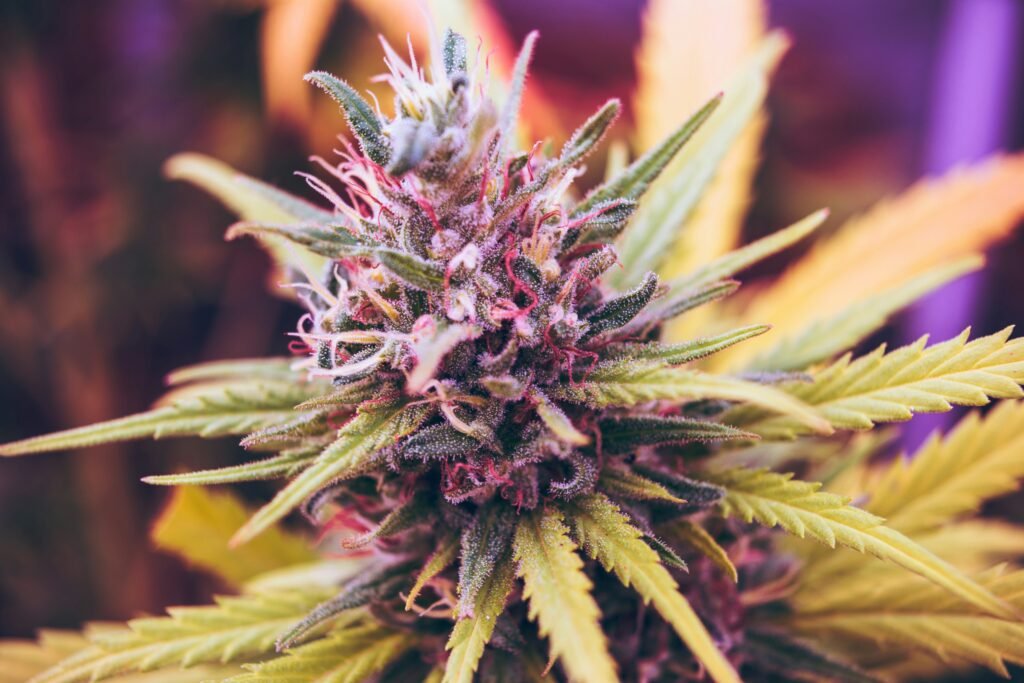
A first order is easier to plan when you make a few small decisions in order. Choose one product type, set a total budget, compare a short list and review the cart. You do not need to understand every cannabis term before you can read a product page carefully.
Start with the format
Choose the kind of product you want to compare: flower, pre-rolls, vaporizers, concentrates, edibles or tinctures. Each format uses different measurements. Flower is sold by weight. Pre-rolls use roll count and weight. Edibles use pieces and package totals. Tinctures use bottle volume and concentration. Vape products may need compatible hardware.
Staying within one format at first makes the numbers easier to compare. A flower percentage and an edible milligram total do not belong on the same scale.
Set the complete budget
Decide the most you want the final order to cost, not only the product subtotal. Include shipping in that number. Eon’s standard shipping is currently $15 below $150 and free at $150 or more, with the actual charge shown in the cart and checkout.
A larger package may have a lower price per gram but still cost more overall. Buy the amount that fits your plan instead of increasing the order only to chase a unit price.
Make a short list
Open up to three products and compare the same fields on each one:
- Exact product type and option.
- Package weight, count, volume or capacity.
- THC and CBD with their units.
- Ingredients, aroma or hardware details that apply.
- Current price and stock.
Do not let one label make the whole decision. Indica, sativa, hybrid, AA, AAA or Reserve can organize products, but none guarantees an effect, strength, freshness or quality.
Check the cart line by line
After adding a product, confirm the selected option and quantity. Review the product subtotal, shipping, discounts or points, and final total. Remove anything you added only for comparison. The cart should contain exactly what you intend to order.
Place the order, then pay
Complete checkout before sending the Interac e-Transfer. The new order confirmation shows the recipient, exact amount, order reference and payment code tied to that order. Keep the order number and bank confirmation. Payment must be matched before the order moves from on hold to processing.
Use the guides when a term is unclear
The Types of Cannabis Products guide compares formats. The THC vs CBD guide explains common units, and the Cannabis Glossary gives shorter definitions. When a product-specific detail is missing, ask Eon support instead of guessing.